

ProductsCRM/ERP Pro
From the first lead to the paid invoice, in one system.
CRM/ERP Pro is for businesses that have outgrown spreadsheets and WhatsApp groups. Sales, projects, invoicing, inventory and people in one place, set up around how you already work.
The demo runs on sample data, so click anything.
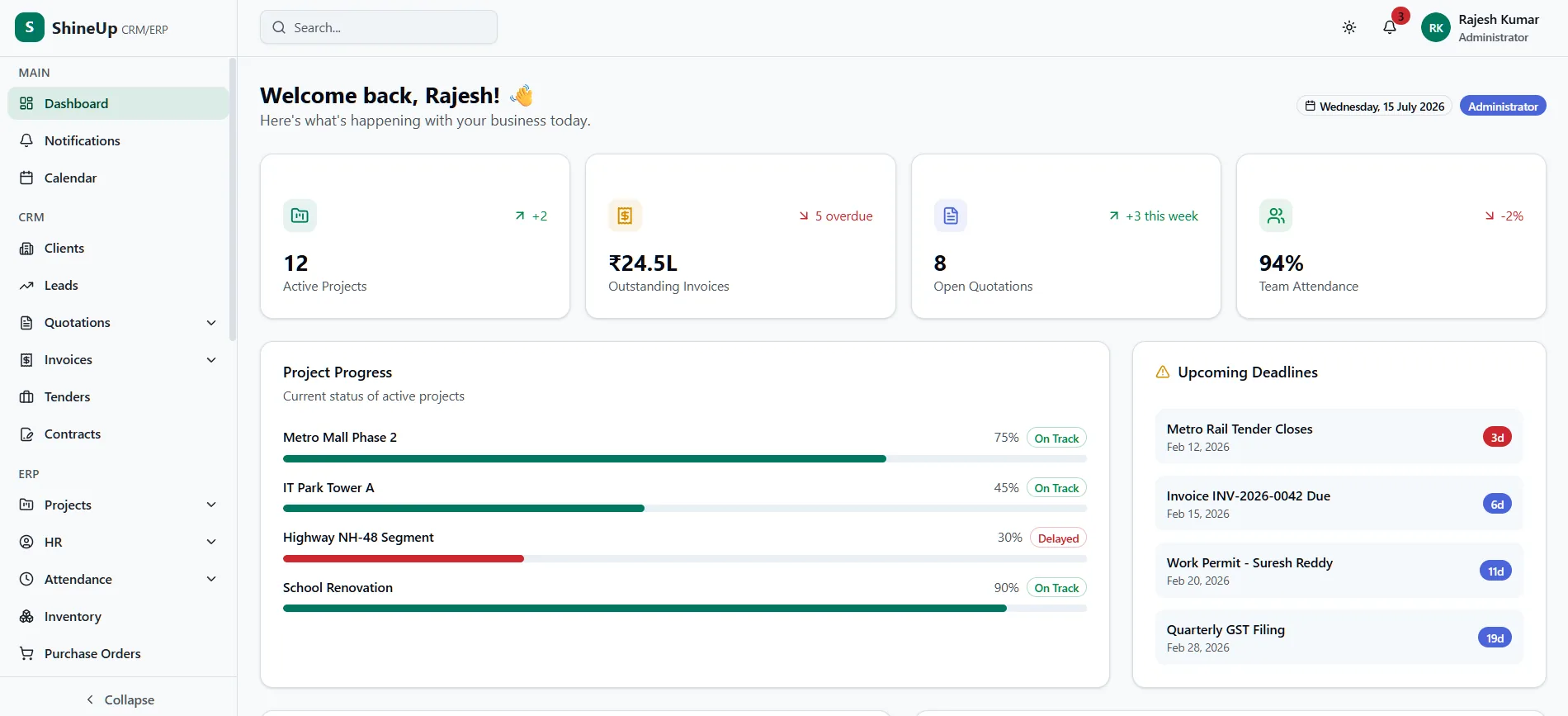
What’s inside.
Sales
- Clients and leads
- Every client, contact and lead with its history, owner and next step.
- Quotations
- Build, revise and send quotations, then convert an accepted one into a project or invoice.
- Tenders
- Track tenders from notice to submission, with closing dates on the dashboard.
- Communication log
- Calls, emails and meetings recorded against the client they belong to.
Delivery
- Projects
- Progress, milestones and deadlines for every active project, flagged when one slips.
- Documents
- Contracts, drawings and permits stored with the project and client they relate to.
- Purchase orders and inventory
- Raise purchase orders and keep stock levels where the projects can see them.
Money
- Invoices
- GST-ready invoices with due dates, overdue alerts and payment status.
- Accounts and finance
- Outstanding receivables, expenses and the numbers behind the dashboard.
People and control
- HR and attendance
- Staff records, leave, and clock-in with location tagging for site teams.
- Roles and audit
- Each person sees what their role allows. Changes are logged with who made them.
- Reports
- Daily, weekly and monthly reports across sales, projects, money and attendance.
How we set it up.
No two businesses run the same way, so CRM/ERP Pro isn’t sold as a login and a manual. We configure it with you, and build the extra pieces your business needs.
- 01
Walk through the demo together
We open the demo on a call and mark what fits your business, what doesn’t, and what’s missing.
- 02
Configure it to your workflow
Your stages, approval rules, invoice format, roles and the fields your team actually uses.
- 03
Move your data in
Clients, open quotations, projects and staff come over from your spreadsheets or old system.
- 04
Train, launch, support
Short sessions for each role, then we host it and keep it running.
Smaller team?
CRM Lite covers leads, a visual pipeline and WhatsApp follow-ups, without the ERP side.
Open the CRM Lite demo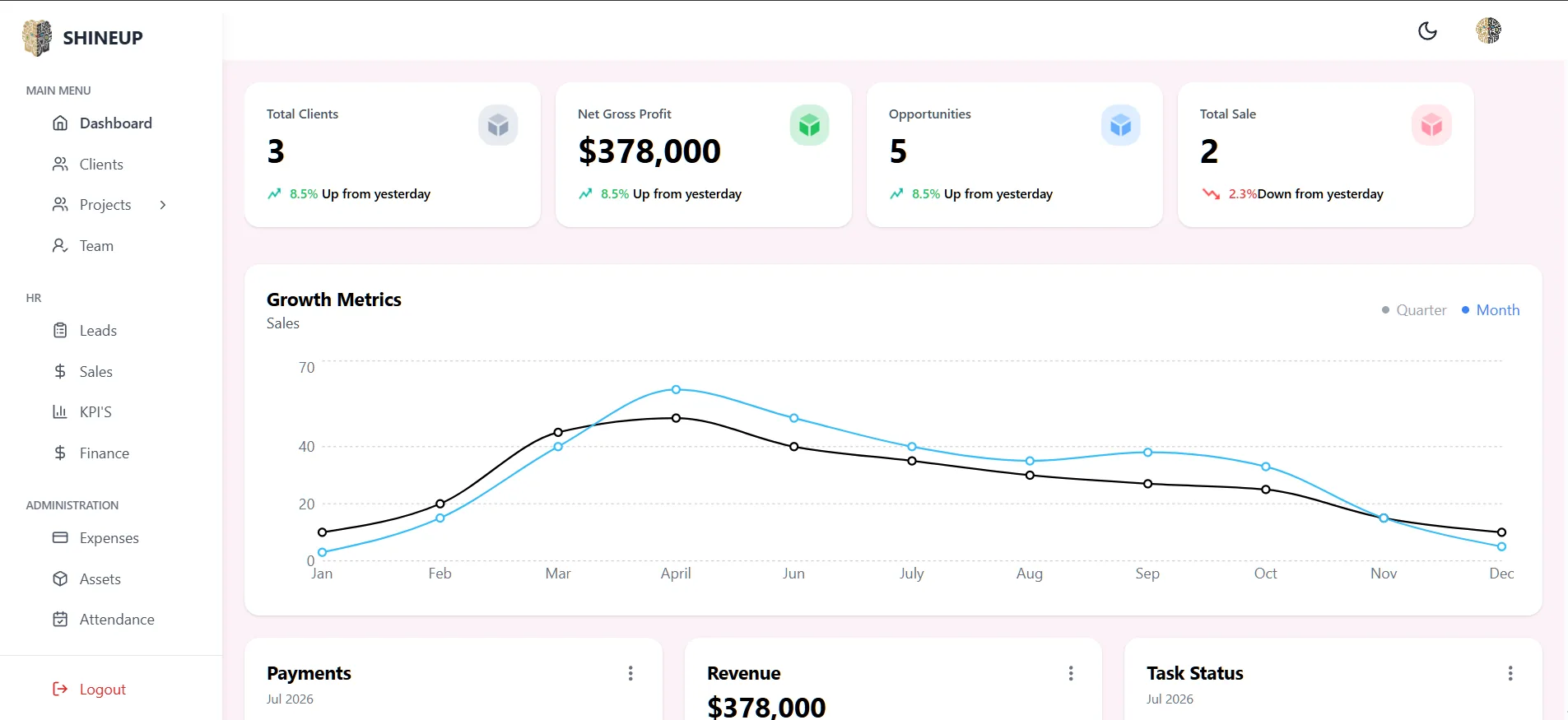
Tell us what’s slowing the business down.
Book a call with the engineer who would build it. You’ll come away with a rough scope, a sense of cost, and a straight answer on whether we’re the right team.